
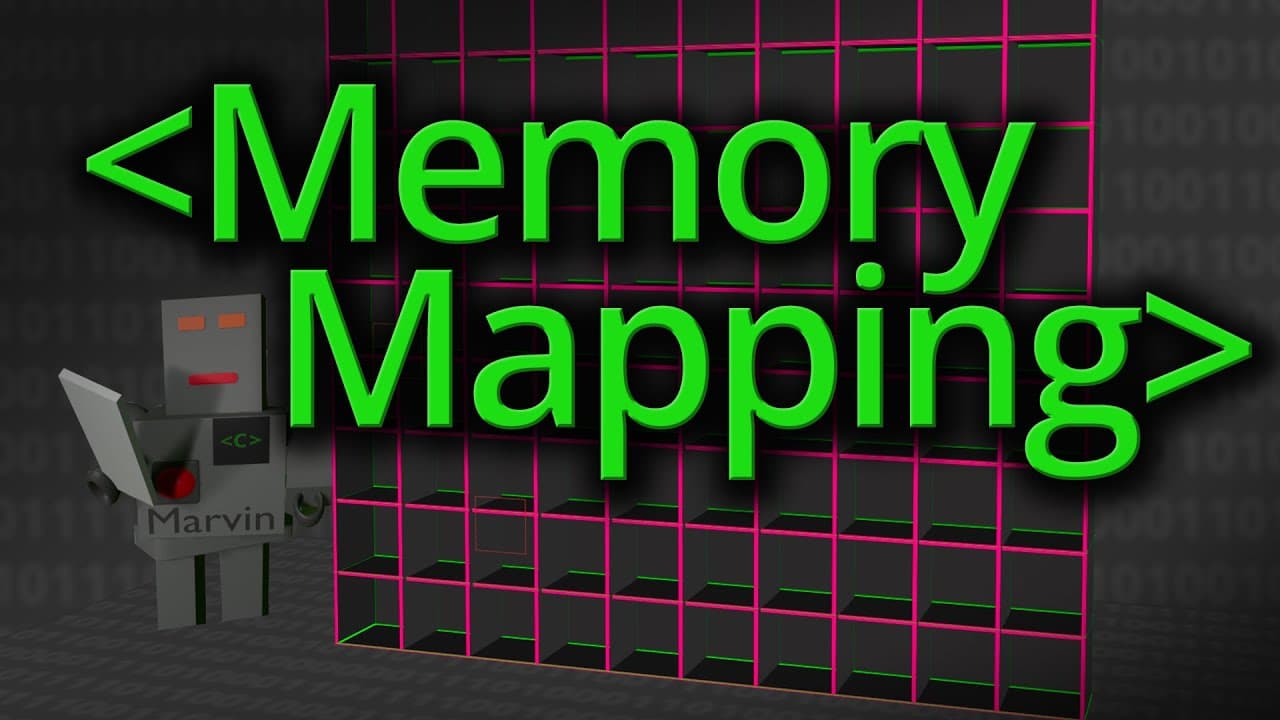
New Video from @Computerphile Explores Memory Protection in Computers
In this video, the presenter delves into how computers protect the memory of running programs, using concepts such as supervisor mode, page tables, and translation caches. The presenter begins by explaining that computers use a supervisor mode to allow the CPU to perform operations that normal programs cannot, thus providing a layer of protection between user code and the operating system code.
One of the key points discussed is how computers protect memory areas. The presenter uses the analogy of a "robot bouncer" that checks memory addresses to decide if a program can read or write to a certain address. To simplify this process, computers group blocks of memory into pages, with each page being either accessible or inaccessible for a given program. This significantly reduces the amount of information needed to manage memory access permissions.
The presenter then introduces the concept of page tables, which are used to store information about memory access permissions. Instead of having an entry for each memory cell, page tables group addresses into pages, reducing the size of the page table to one-hundredth of what it would otherwise be. This approach allows permission information to be stored in a memory page, making the process more efficient.
Another crucial aspect discussed is address remapping. In modern computers, the logical addresses used by programs can be remapped to different physical addresses. This is particularly useful for managing devices and allowing multiple programs to run simultaneously without interfering with each other. The presenter explains how page tables can be used to remap addresses, allowing each program to think it has access to all the memory, even if it does not physically.
The presenter also covers the concept of the Translation Lookaside Buffer (TLB), a cache that stores recently used address mappings to speed up memory access. The TLB reduces the number of memory reads needed to translate a logical address into a physical address, thereby improving overall system performance.
Finally, the presenter discusses the practical implications of these concepts, including how they can be applied in real-world scenarios. For example, page tables can be used to map different parts of the address space to the same physical memory, which can be useful for applications such as video memory or inter-process communication.
In conclusion, this video provides an in-depth and engaging overview of memory protection mechanisms in computers, explaining complex concepts in a clear and accessible manner. To learn more, watch the full video at the following address: https://www.youtube.com/watch?v=di5WodGWTiY