
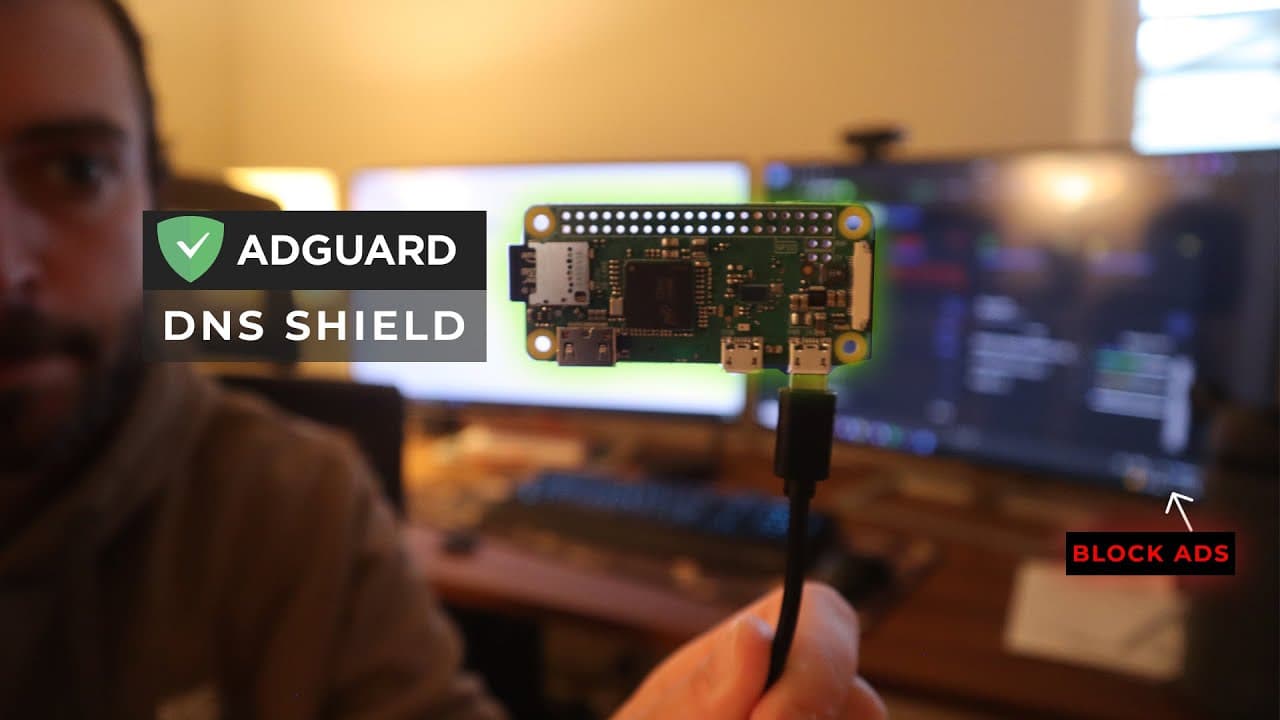
Step-by-Step Guide to Installing and Configuring AdGuard Home on a Raspberry Pi for DNS-Level Ad and Malware Blocking
This tutorial demonstrates how to install and configure AdGuard Home on a Raspberry Pi (models 0, 2W, or main versions) to filter malicious domains, ads, and phishing attempts at the DNS level. The goal is to create a DNS sinkhole that blocks requests to advertising networks or malicious domains, though it does not claim to eliminate 100% of ads (particularly those served via first-party domains). The process includes installing Raspberry Pi OS Lite 32-bit (headless) using Raspberry Pi Imager, setting up a static IP, enabling SSH, and downloading AdGuard Home via wget (version compatible with ARM v6/v7 architecture). The guide covers configuring the DNS server (port 53) and web interface (port 80 or 8080), adding blocklists such as AdGuard DNS filter, Hacks, Phishing URLs, or Malware domains, and redirecting DNS on devices (router, Windows, iOS, Android, Smart TV). The tutorial highlights the limitations of DNS filtering (ineffective against first-party ads like those on YouTube) and suggests disabling DNS-over-HTTPS (DoH) in browsers (Chrome, Firefox). A DNS rewrites feature allows mapping a local domain name (e.g., pi.lan) to the Raspberry Pi’s IP. Estimated cost: $15–30 USD.