
How to Create a Self-Hosted OpenVPN Server on Raspberry Pi or VPS for Under $5/Month
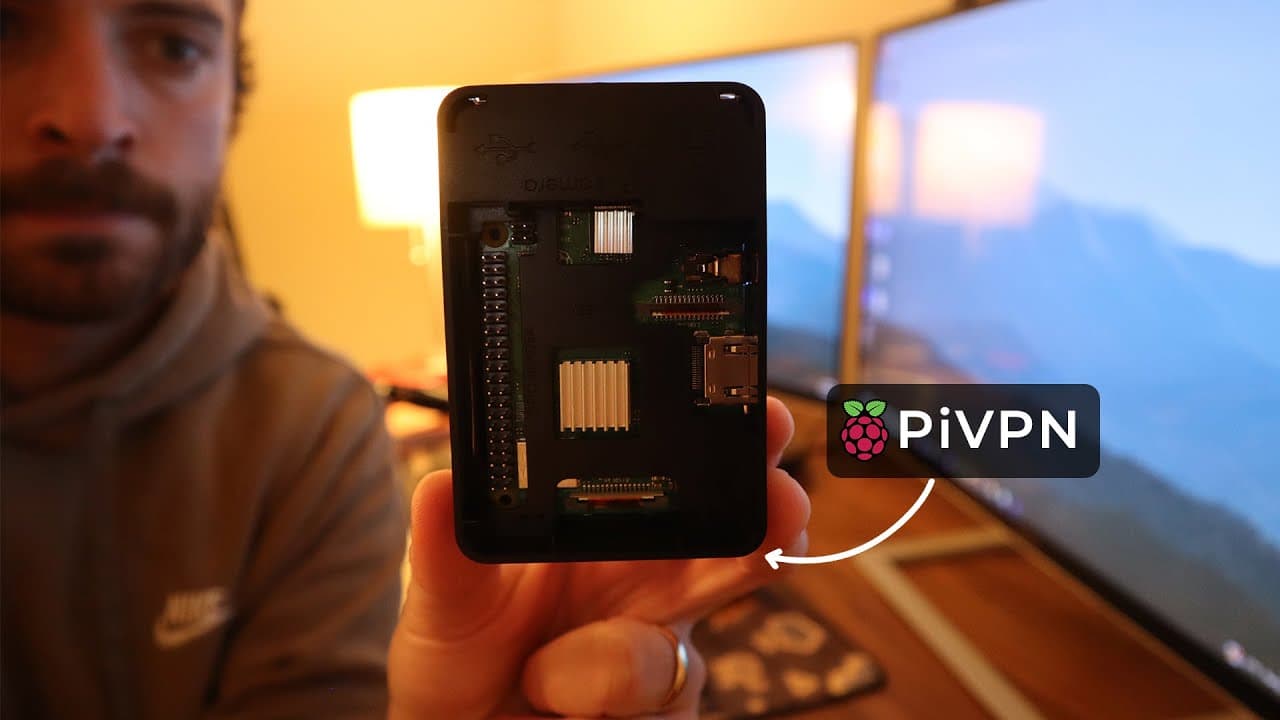
The video demonstrates how to set up a self-hosted VPN server using OpenVPN on a Raspberry Pi (models 3, 4, or 5) or a VPS for less than $5 per month. OpenVPN is chosen for its reliability and support of TCP/UDP protocols, making it suitable for professional environments. The tutorial covers installing Ubuntu 24.04 (without a graphical interface) on a microSD card, configuring SSH access, and verifying the public IP address (via curl ifconfig.me) to bypass CGNAT restrictions. Installing OpenVPN Access Server requires a free account and activation key (limited to 2 devices). The setup includes defining a static IP, enabling the UFW firewall (ports 1194/UDP and 443/TCP), and configuring port forwarding on the router. Admin access (port 943) is restricted to the LAN. A DuckDNS script is used to manage public IP changes. VPN clients are configured via downloadable profiles, with optional MFA authentication. The video notes that this solution does not bypass geo-restrictions.