
New Video from @Computerphile Explains CPU Communication with Peripherals
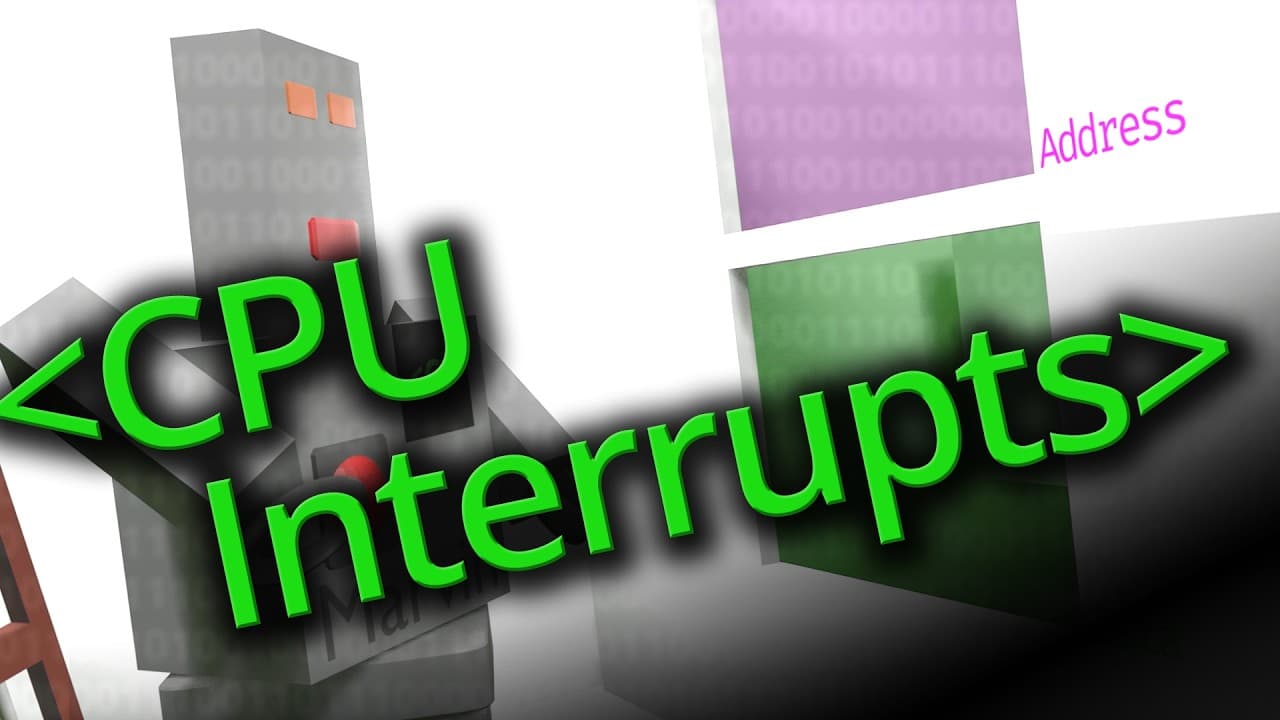
In this video, the host explores how a CPU communicates with external devices, such as a keyboard, floppy disk, or even an audio cassette. He begins by reviewing the basic elements of a CPU: a robot with an abacus, memory slots (pigeon holes), and important registers like the program counter and the accumulator. However, he reveals that the memory slots are not actually inside the CPU but outside, making them the first external peripheral. To explain this communication, the host uses an analogy where the CPU is a robot in a room with two windows: one for the address and one for the data. The address window allows the robot to display a number to the outside, while the data window functions as a bidirectional pass-through for exchanging data. Outside, another robot, the RAM robot, reacts to the addresses displayed by the CPU and exchanges the corresponding data. The host then explains how other peripherals, like a keyboard or floppy disk drive, can interact with the CPU. Each peripheral has a special number that, when displayed by the CPU, triggers a specific action. For example, a keyboard robot can encode the keys pressed and send this information back to the CPU via the data window. However, constantly checking peripherals can be tedious for programmers. To solve this problem, the concept of interrupts is introduced. When a peripheral has something important to signal, it can "ring a bell" to get the CPU's attention. The CPU then enters a "do not disturb" mode to avoid other interruptions and executes a special routine to handle the interrupt. This routine can be a small program that checks which peripheral caused the interrupt and takes the necessary measures before returning to the main program. The host also mentions the concept of DMA (Direct Memory Access), where certain peripherals can write directly to memory without going through the CPU, which is particularly useful for devices like webcams that generate a lot of data. In conclusion, this video provides an in-depth understanding of how a CPU interacts with external peripherals, using clear analogies and practical examples. It shows how interrupts and DMA enable efficient and smooth communication between the CPU and the outside world, essential for the operation of modern operating systems.