
John Hammond Unveils New Cybersecurity Threat Involving Fake AI Websites
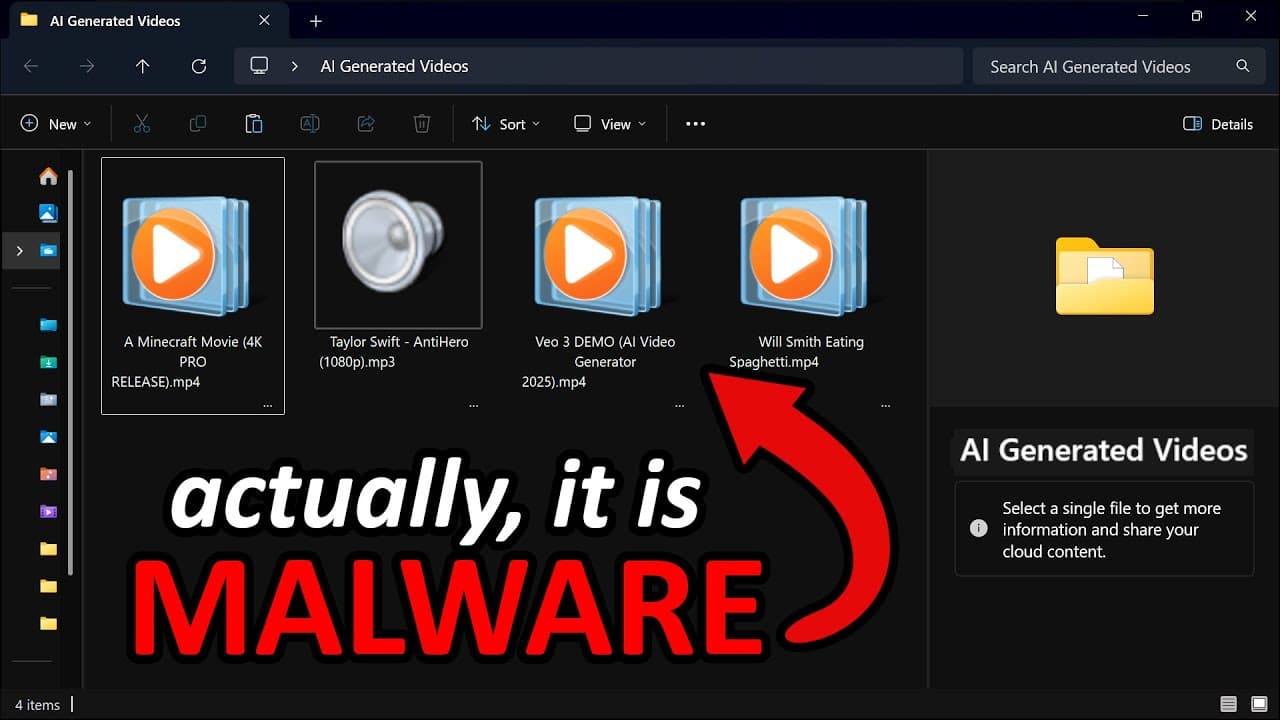
In this video, John Hammond explores a new cybersecurity threat involving fake AI websites used to distribute malware. He begins by examining a screenshot of his Windows desktop, highlighting a suspicious Minecraft video file. He changes the file explorer view to reveal an anomaly: the file has a double extension, hidden by invisible Unicode characters. Hammond references a report by Mandiant and Google Cloud on a cybercriminal campaign exploiting interest in AI tools, particularly those generating videos from user prompts. Threat actors use malicious ads on social media to direct victims to fake AI websites, distributing malware such as Python-based information stealers and several backdoors. These ads, disguised as legitimate tools like Llama AI or Canva, have reached millions of users. The report highlights the use of Unicode characters to hide malicious file extensions, a simple yet effective technique. Hammond demonstrates how these files can be automated in bulk with PowerShell, creating a script that adds Unicode characters to hide extensions. He explains each step of the script, including checking for the file's existence, generating the new extension, and managing Windows file name length limits. To detect this threat, Hammond suggests using Sigma rules with Aurora, a Windows log-based detection tool. He creates a simple rule to detect processes executed with suspicious Unicode characters in their names. This approach helps spot malicious files even if they are hidden by invisible characters. In conclusion, this video provides a detailed look at a new cybercrime technique and shows how to automate the creation of hidden malicious files. It also proposes a simple yet effective detection method, emphasizing the importance of vigilance and advanced detection tools in combating cyber threats.